TeamViewer

1.7 mei he 5 fetu'u (makatu'unga 'i he 3 vakai'i)
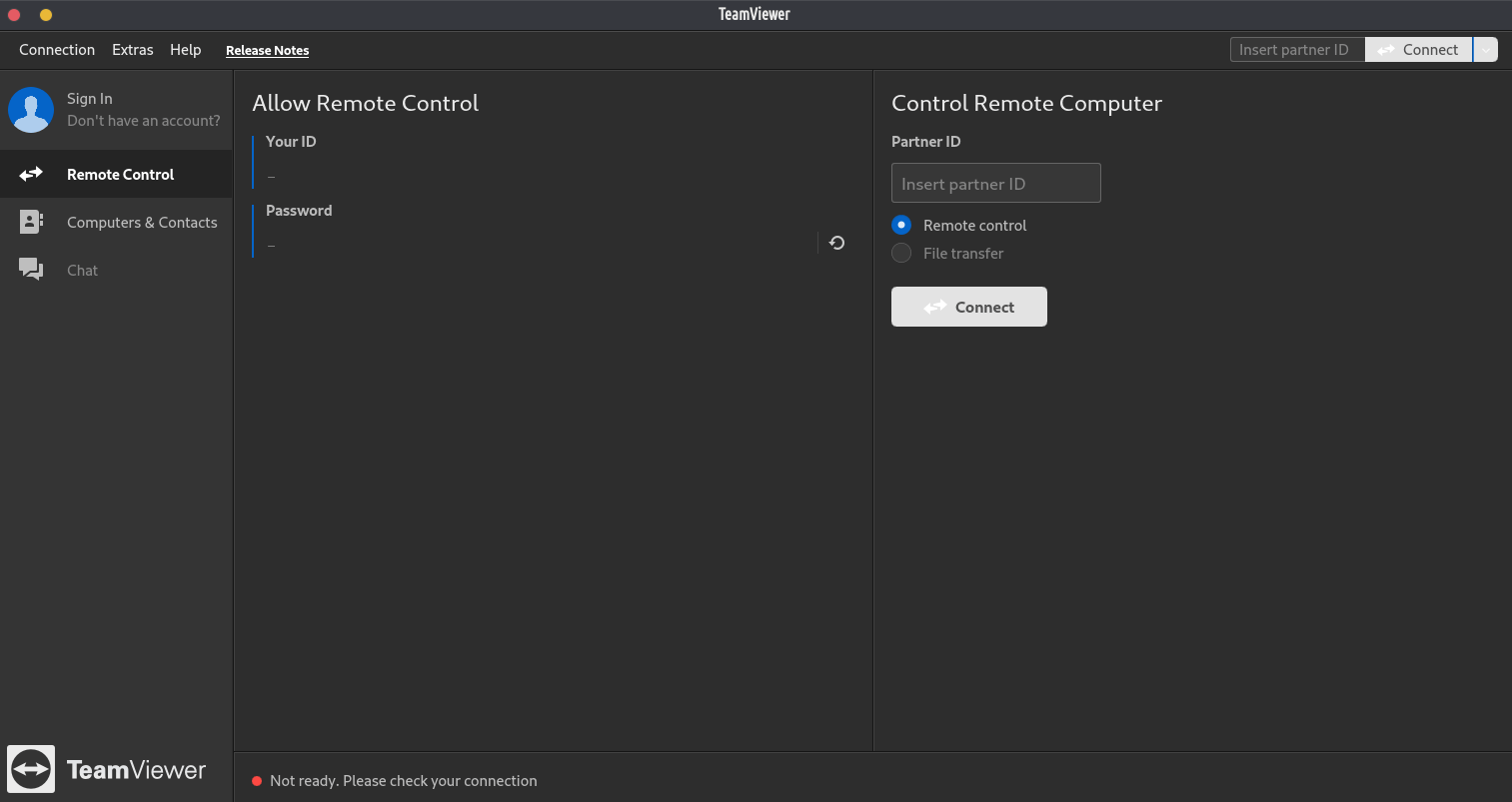
TeamViewer ko ha polokalama fakakomipiuta proprietary ki he pule'i mama'o, vahevahe 'o e desktop, ngaahi fakataha 'i he 'initaneti, konifelenisi 'i he uepi mo e fe'ave'aki faile 'i he vaha'a 'o e ngaahi komipiuta. 'Oku ma'u 'a e TeamViewer ki he ngaahi polokalama ngaue 'a e Microsoft, macOS, Linux, Chrome OS, iOS, Android, RT, Telefoni 'o e Windows 8 mo e ngaahi sisitemi ngaue 'o e BlackBerry. 'Oku malava foki ke ma'u ha misini 'oku lele 'a e TeamViewer 'aki ha browser 'i he uepi. Lolotonga e tefito'i tokanga 'o e polokalama ko e pule'i mama'o 'o e ngaahi komipiuta, 'Oku kau 'a e fengaue'aki mo e ngaahi fotunga 'o e 'ata.
Te u fokotu'u atu ke 'ai 'a e TeamViewer ki he fakafisinga'i, koe'uhi ko e ngaahi poini 'i lalo.
Ko e Team viewer ‘oku proprietary, ko ia ai ‘oku ‘ikai ke lava ke ‘ilo’i ‘a e me’a pau ‘oku ne fai.
Although this app is “free” for personal use, it may limit users in terms of features they have access to. They are incentivized to push trades (“buy the pro”) onto users. On top of this, being a proprietary piece of software, it means you cannot edit or share it. Despite all of this, TeamViewer is perhaps the most functional and easy to use “remote control” application out there.