Ideogram

5.0 tawm ntawm 5 hnub qub (raws li 1 ntsuam xyuas)
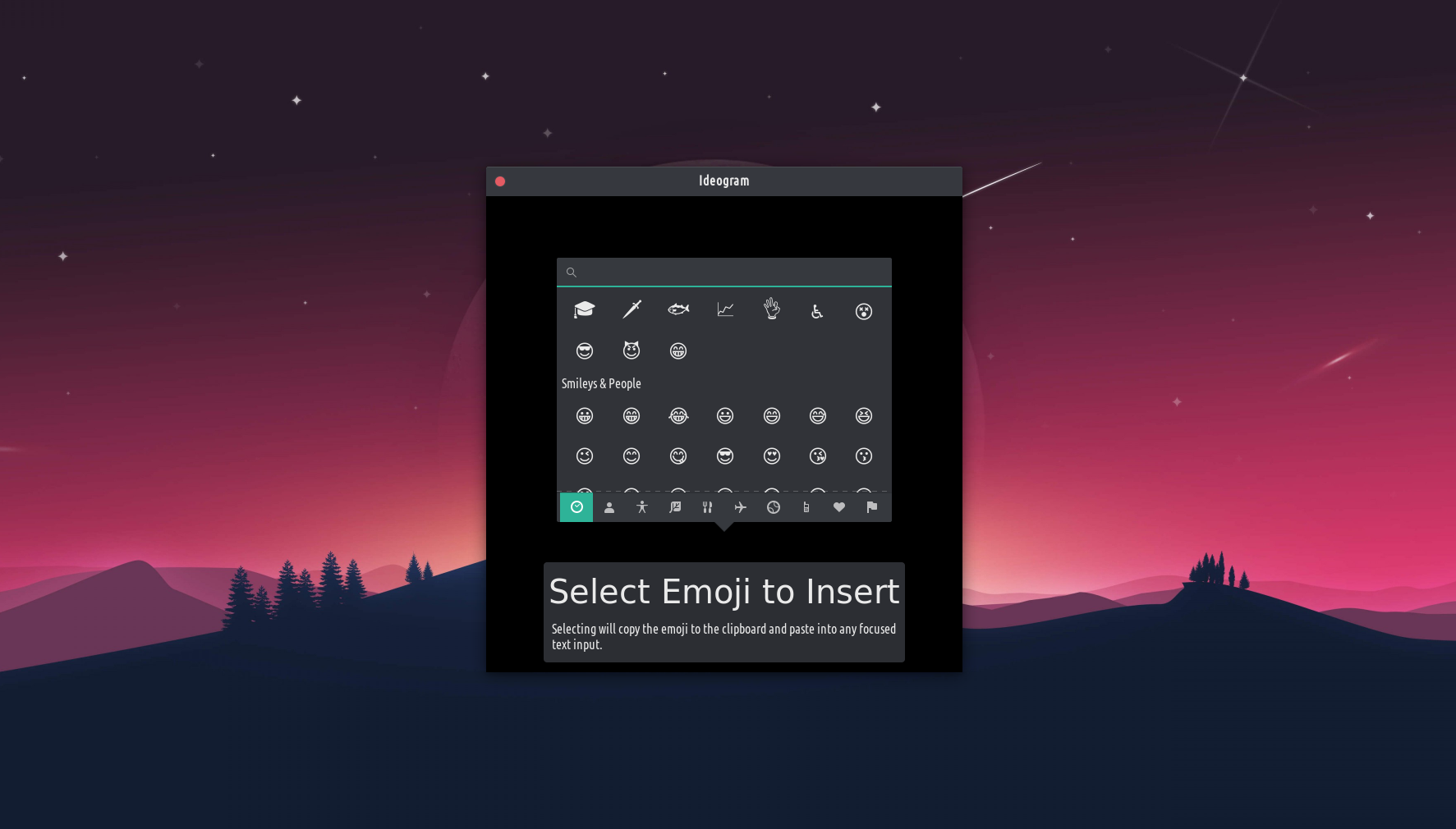
Insert emoji anywhere, even in non-native apps. Quickly insert emoji anywhere you can paste text, including non-native apps. Hit ⌘+E to open the emoji picker, choose the emoji you want, and it’s instantly pasted. +1 Change the shortcut in System Settings → Keyboard → Shortcuts → Custom. The emoji picker that Ideogram uses is provided by GTK. Anything about the emoji picker itself is outside of the scope of this app, and outside of my control. For example, the emojis presented, the scrolling performance, the search, the keywords, etc. If you have issues with the emoji picker, please file them with GTK so it can be improved not just for Ideogram, but for all apps and platforms that use GTK. Ideogram simply wraps the existing emoji picker up in a simple app that lets you summon it by a global keyboard shortcut, and then inserts the selected emoji wherever your cursor is via the clipboard.
Ib daim ntawv thov uas yog curated rau ntawm TROM-Jaro Apps-page (https://www.tromjaro.com/apps/). Yog li koj tuaj yeem paub tseeb tias nws yog kev lag luam dawb.